Turn Screenshots
Into Studio
Mockups.
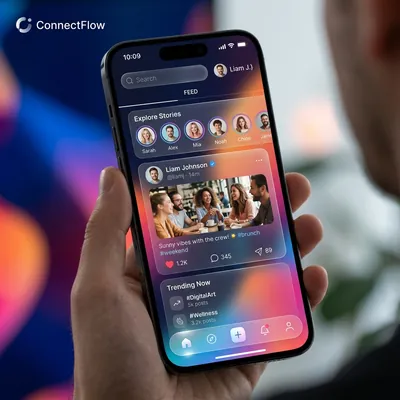
Turn screenshots into stunning mockups in seconds. Just upload your design or paste a link, pick a device that fits your vibe, and you're good to go. It's fast, simple, and runs right in your browser.
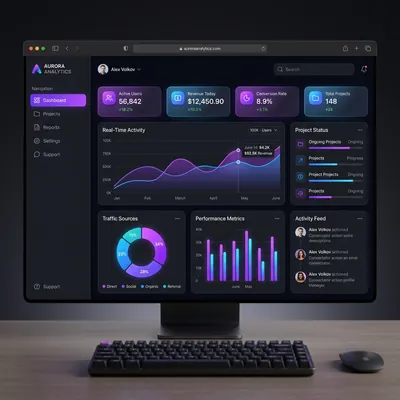
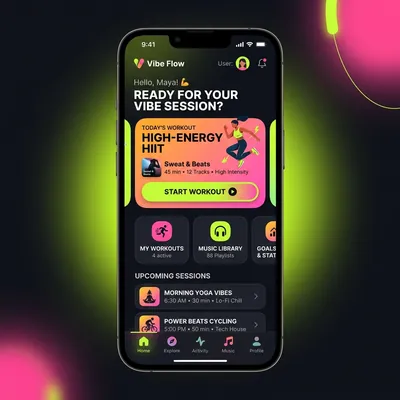
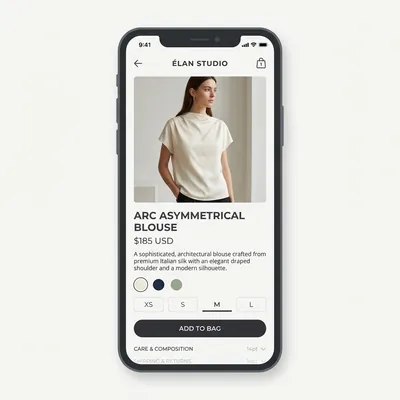
Professional mockups in 3 steps.


Upload Your Design
Simply capture any URL or drop your images directly onto the mockups. We automatically scale and fit them perfectly to the device screen.

Choose Device & Scene
Switch between various Apple and Android devices, modify your scene, and organize layers to create the perfect composition.
Download & Share
Customize the background with Pexels and export your final high-resolution mockups to Figma, Canva, Google Drive or save locally.
Export Anywhere.
Seamlessly send your high-resolution mockups to your favorite design and storage tools.

The Magic of URL Capture
No more manual screenshots. Enter any website URL and our automated system will capture it in high resolution, block annoying popups, and place it perfectly onto your canvas.
Just paste a URL.
No more manual screenshots. Enter any website URL and our automated system will capture it in high resolution, block annoying cookie popups, and place it perfectly onto your canvas.
50+ Devices. One Tool.
From the latest iPhones to ultra-wide monitors, smartwatches, and tablets. We keep the library constantly updated so you don't have to search for templates.
Instant Previews.
No waiting for cloud rendering. Processing happens securely and instantly in your local browser.
4K. Always.
Crystal clear exports that look perfect on Retina displays.
Gradient? Pattern? Custom? Stock?
Choose from our curated presets, patterns, solid colors, upload your own custom image, or search millions of royalty-free backgrounds via Unsplash and Pexels.
10 screens. 10 devices. 10 seconds.
Need mockups for an entire app? Upload multiple screens and render them across different devices in one click with our Pro Batch Export.
Your exports, always within reach.
Every time you export to Canva or Google Drive, we automatically save a record in your account dashboard. Access your cloud exports anytime — no hunting through download folders.
Instant background removal
Remove backgrounds instantly. Just drop your image and let our tool do the heavy lifting. No masking required.
Built in stock images
Find the perfect photo directly inside the studio. Access millions of royalty free images from Unsplash, Pexels, and Pixabay.
Image opacity control
Blend your images naturally. Adjust transparency to create the perfect layered effect for your mockups.
Precision cropping
Perfectly align your screenshots inside any device. Adjust scale, move offsets, and crop exactly what you want.
Switch devices with a single click.
Preview how your website looks across different breakpoints. Switch instantly between Desktop, Tablet, and Mobile devices with perfectly scaled views.
Make it pop with effects.
Adjust padding, fine-tune border radii, and experiment with stunning gradient backgrounds or realistic shadows. Your mockups have never looked this good.
Simple. Transparent. Fair.
No credit card required to start.
Free vs PRO vs AGENCY
Choose your preferred access
Pay once, get access to PRO features for pro yearly.
Get Pro Access